Add a todo task using Home Assistant Voice

I've been messing around with todo lists in Home Assistant (and Nextcloud through CalDAV) lately and had a thought yesterday. How easy would it be to use the voice assistant to add a task. Turns out it was a default command. However, the default command requires you to add the task description and the list to the command. I wondered how hard it would be to have the voice assistant ask for these. This also turned out to be pretty easy. All it required was a single, simple automation:
alias: Voice - Add task
description: ""
triggers:
  - trigger: conversation
    command:
      - Add task
      - Add a task
      - New task
conditions: []
actions:
  - action: assist_satellite.ask_question
    metadata: {}
    data:
      question: Which list should the task be added to?
      preannounce: true
      entity_id: assist_satellite.my_assist_satellite
      answers:
        - id: chores
          sentences:
            - Chores
        - id: personal
          sentences:
            - Personal
        - id: work
          sentences:
            - Work
    response_variable: todoList
  - action: assist_satellite.ask_question
    metadata: {}
    data:
      question: What is the task?
      preannounce: true
      entity_id: assist_satellite.my_assist_satellite
    response_variable: todoDescription
  - action: todo.add_item
    metadata: {}
    target:
      entity_id: todo.{{ todoList.id }}
    data:
      item: "{{ todoDescription.sentence }}"
  - action: assist_satellite.announce
    metadata: {}
    data:
      message: Added {{ todoDescription.sentence }} to list {{ todoList.id }}
      preannounce: true
    target:
      entity_id: assist_satellite.my_assist_satellite
mode: single
Of course you'll have to replace assist_satellite.my_assist_satellite with the entity if of your voice assistant satellite and change the answers to the question for the list you want to add the task to.
You can see it in action here:
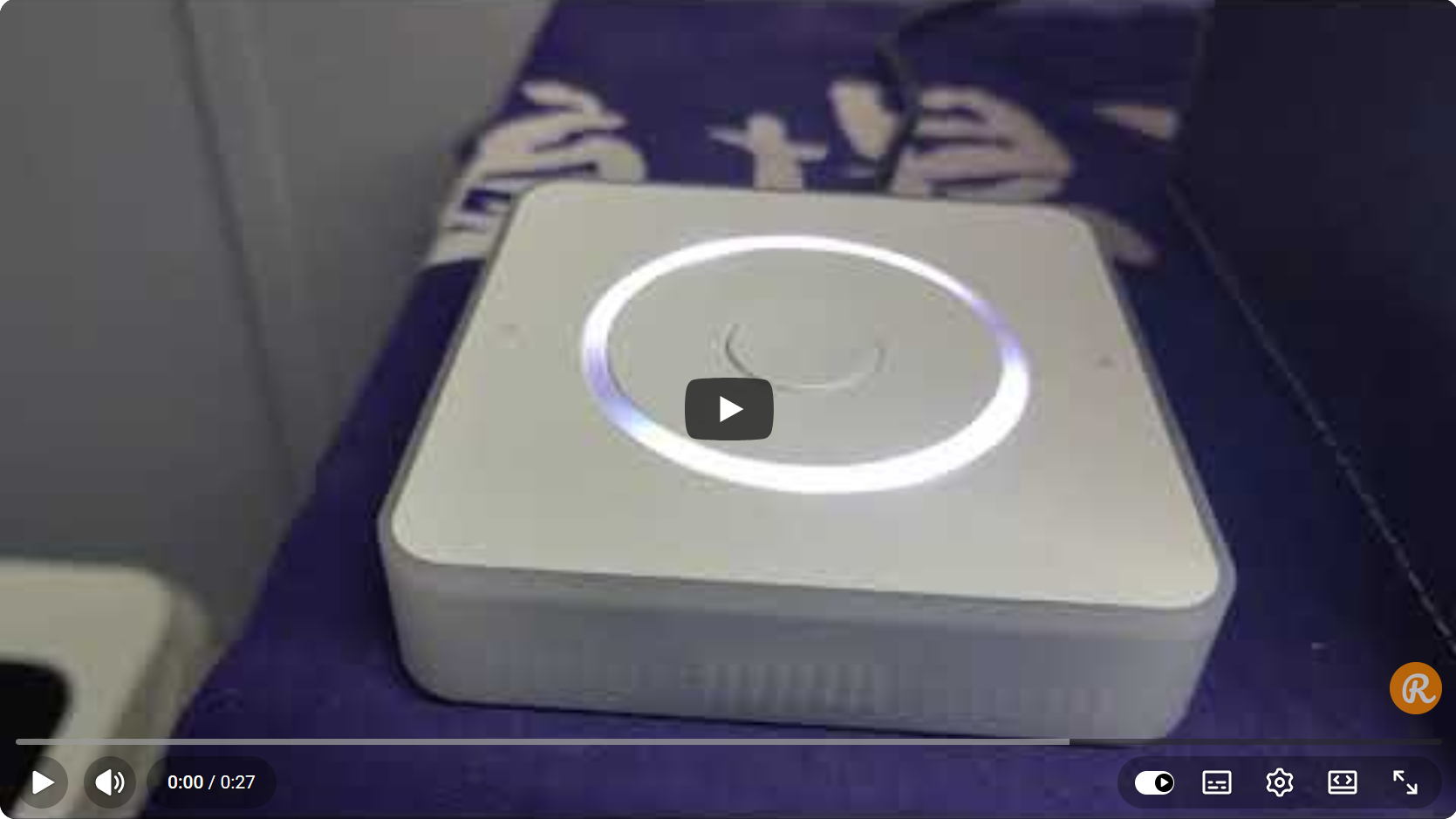
I still think it's easier to add tasks through the UI and I doubt I'll use this often, but it is very cool this is so easy to achieve and just works.